Stop manually entering every
application into Job-Room.
Why type all your job applications into the eService form every month? Track your jobs in PARAT, export the ready-made PDF – and upload it to Job-Room in one click.
Start for freeNo credit card. Login via Google or email.
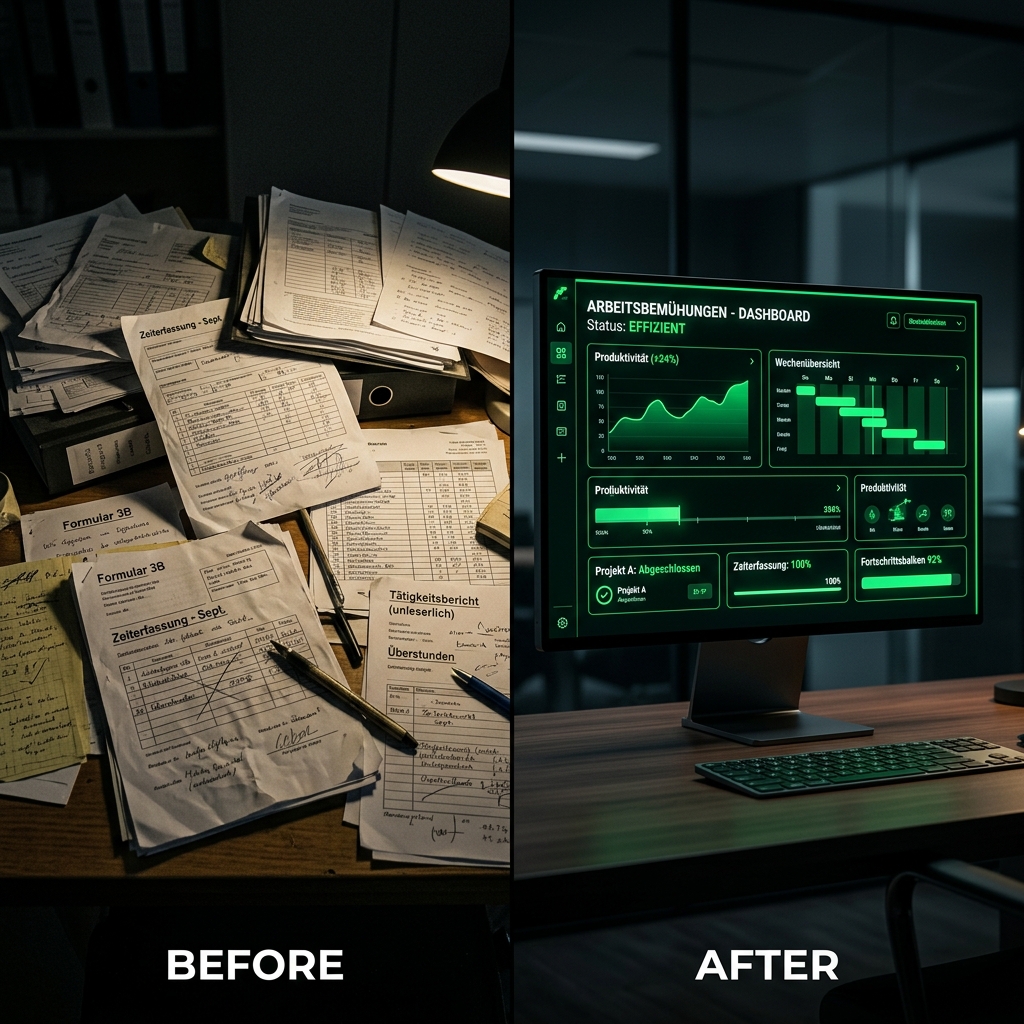
- Log into Job-Room every month
- Manually type all 10–12 applications
- Search emails for dates, companies, contacts
- Often over 30 minutes of work
- Enter applications once in PARAT (seconds)
- Month-end: click "Export PDF"
- Upload PDF to Job-Room – done
- Finished in under 2 minutes
Old vs. New: Job-Room vs. PARAT
100% RAV-compliant
SECO and all RAV centers explicitly allow uploading PDF documents as full proof. PARAT generates exactly this document – with all legally required columns.
Frequently asked questions
Is this actually allowed?
Yes. According to SECO guidelines, the proof can be submitted as a complete document. You do not need to fill out each field individually.
Which fields must the document contain?
Date, company name, contact person, type of application, and result. PARAT integrates all fields automatically.
How much does PARAT cost?
The basic plan is free and fully sufficient for the RAV proof.